
In just 3 steps You're ready to go!
Download Plugin
Choose a Pricing Plan , Click buy now button & Complete your purchase. Download Plugin / Download Free Plugin

Upload & Activate
Upload Downloaded Plugin & Activate it from plugins page of your WordPress admin panel.

Create Quiz & Start
Create new quiz from admin panel and start getting people engaged in quizzes into your website..
Features
Build interactive quizzes with an intuitive drag-and-drop builder, choose from multiple question types, customize every element to match your website, and deliver a seamless experience across all devices.
-
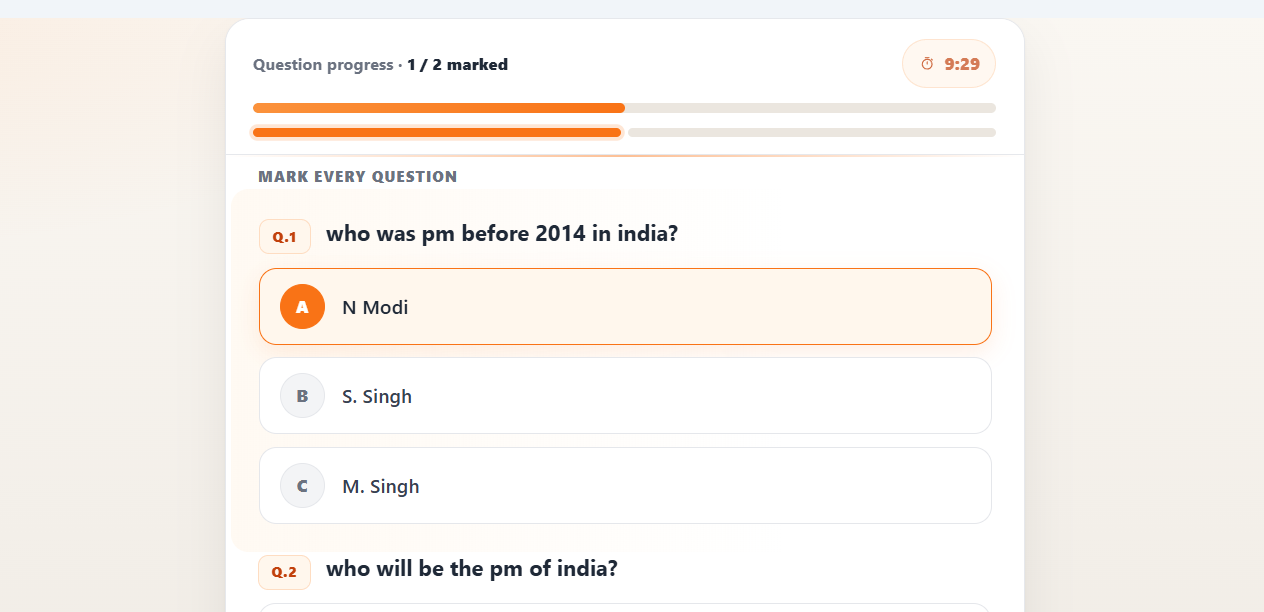
Visual Drag & Drop Builder, 5+ Question Types, Quiz Timer & Progress Bar. -
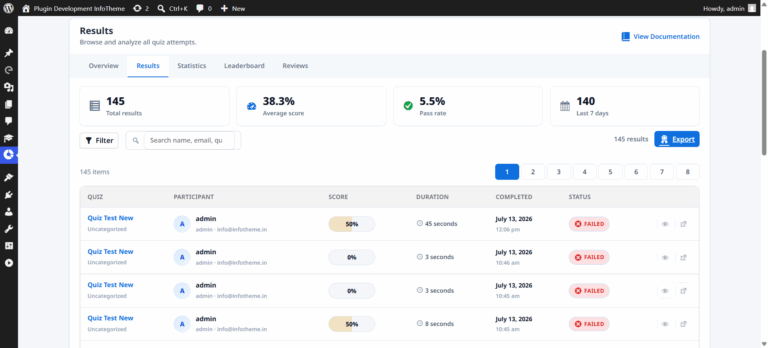
Multiple Quiz Layouts & Themes, Instant Results & Score Cards, Advanced Analytics Dashboard. -
Social Sharing & Embedding, One-Click Import & Export, 100+ upcoming features. Addon On demand with customization options.
Key Features of ePoll 3.1 Pro
we have 40+ new features with this brand new Voting System
Awesome UI with Multiple templates
In this Epoll WordPress Poll Maker & Voting plugin you get awesome voting UI & UX experience, with List and Grid view. It also comes with best poll design.
Unique Voting System
Our Voting system comes with multiple voting restrictions which prevents duplicate votes in poll and contest. We use Browser Dtection, IP, VPN Detection & Mobile/Email OTP system.
20+ Addons to get more features
Now we have plug-in and play addons available which gives you lot's of features like social login, pay for vote using popular payment gateway across world, user registration, contestant dashboard etc.
Shortcode to Place Poll/Contest anywhere
We do provide shortcode and blocks to show / insert poll between your post / pages using Gutenberg block or Elementor or other popular page builder plugins.
Beautiful and easy to use Admin panel
It's easy to use admin panel to create, manage and view / export voting result. Power to plugin and play with desired feature using addons.
We have more then 40+ features available and more are coming here....
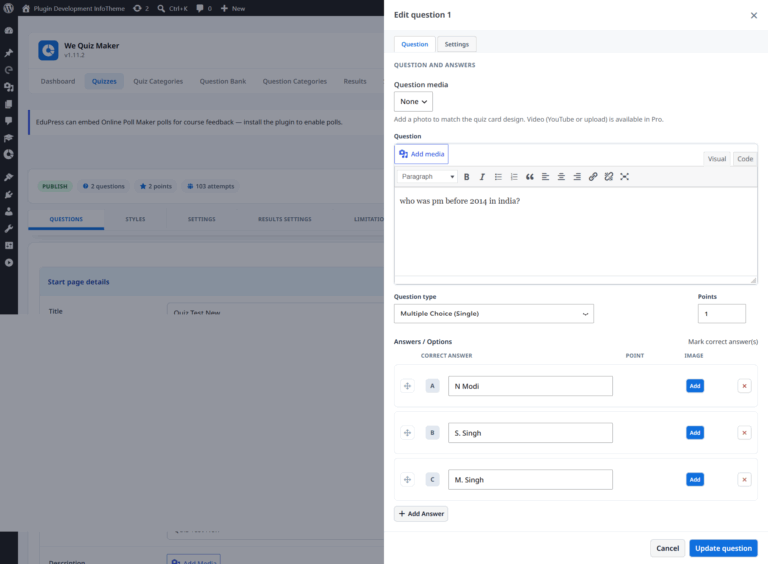
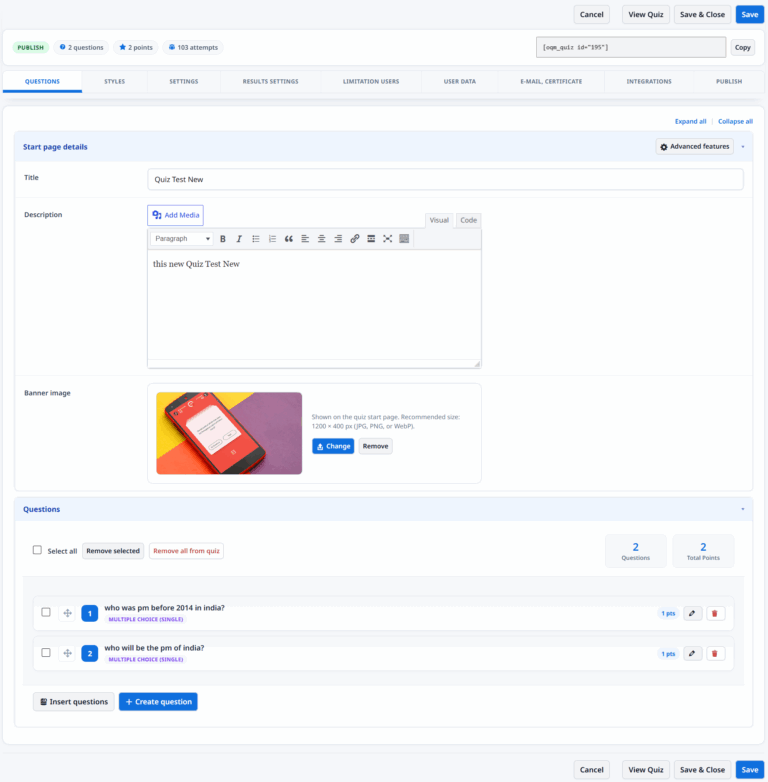
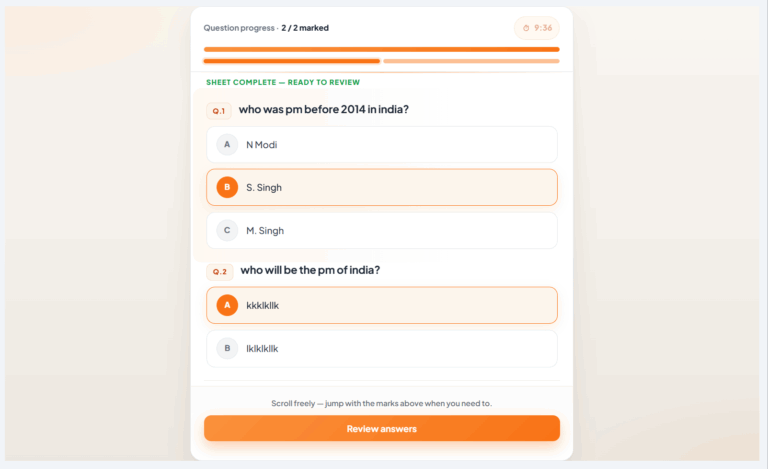
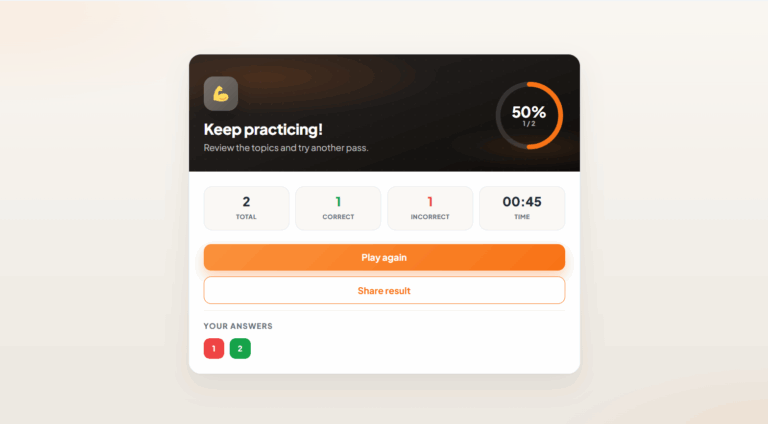
Look how WiVi will Look
Check below screenshots to know QiVi's Features & Usecase


Check our Pricing & Features
We work to meet this ambitious goal by focusing on these key areas of conservation.
Standard One-time payment
Mid Extended
3 Website's License
- All Pro Features
- Unlimited Votes & Users
- Unlimited Emails
- Limited Addons & Themes Available
- No Discount on Purchase
- 3 Months Pro Support
Extended
5 Website's License
- All Pro Features
- Unlimited Votes & Users
- Unlimited Emails
- Limited Available Addons & Themes
- Discount on Pro Addon's & Themes
- 1 Year Pro Support

Super Extended
3 Website's License
- All Pro Features
- Unlimited Votes & Users
- Unlimited Emails
- All Available Addons & Themes
- Discount on Customization
- 1 Year Pro Support
Standard
Single Website License
- All Pro Features
- Unlimited Votes & Users
- Unlimited Emails
- Limited Addons & Themes Available
- 1 Year Pro Support
Extended
5 Website's License
- All Pro Features
- Unlimited Votes & Users
- Unlimited Emails
- Limited Addons & Themes Available
- 3 Months Pro Support
Super Extended
2 Website's License
- All Pro Features
- Unlimited Votes & Users
- Unlimited Emails
- All Available Addons & Themes
- Discount on Customization
- 2 Years Pro Support
Want to ask something
from us?
-
How do I create my first quiz?
-
Creating a quiz is simple. Install and activate WiVi Quiz Builder, create a new quiz, add your questions, customize the design, and publish it using the generated shortcode or Gutenberg block.
-
What types of quizzes can I create?
-
WiVi Quiz Builder supports trivia quizzes, personality quizzes, online exams, educational assessments, surveys, product recommendation quizzes, and lead generation quizzes.
-
Can I customize the quiz design?
-
Yes. You can customize colors, typography, layouts, buttons, progress bars, result pages, and other design elements to match your website branding.
-
How to raise a Customization Request?
-
Simply fillout below customization form or click on WhatsApp Chat button to connect with us to proceed this.
-
Is WiVi Quiz Builder mobile friendly?
-
Yes. Every quiz is fully responsive and optimized for desktops, tablets, and mobile devices to provide a seamless experience across all screen sizes.
-
Can I display quizzes anywhere on my website?
-
Yes. You can embed quizzes on any page or post using a shortcode or the Gutenberg block.
-
Does the plugin calculate scores automatically?
-
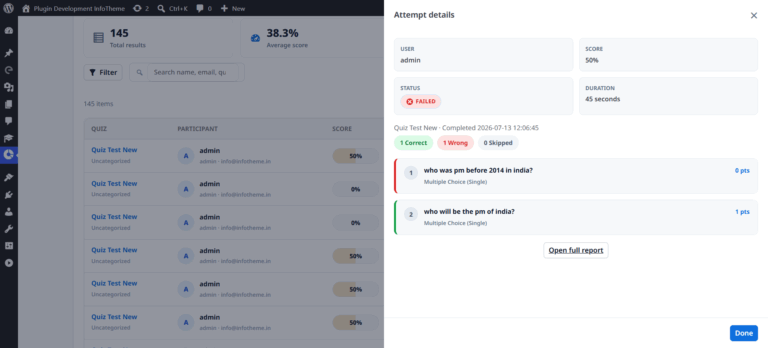
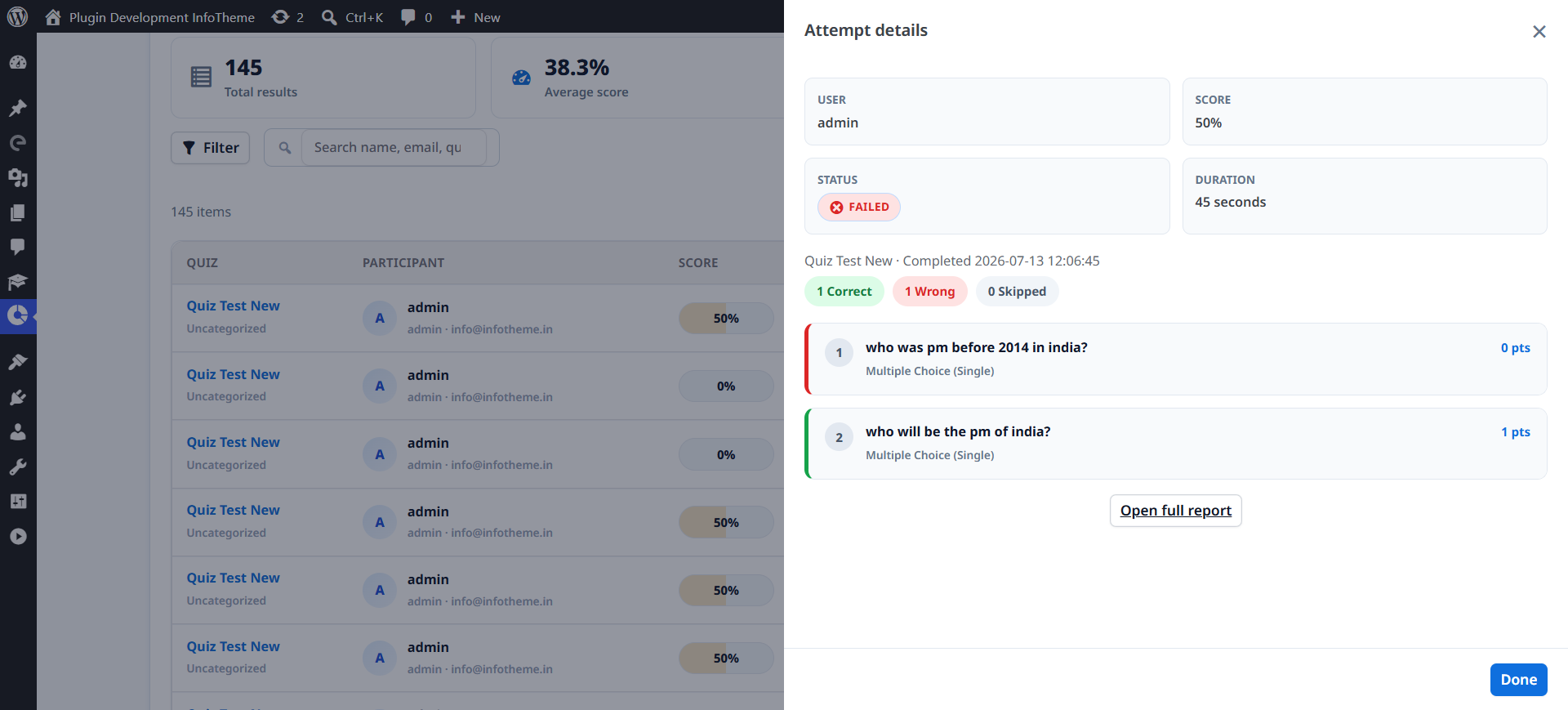
Yes. WiVi Quiz Builder automatically evaluates answers, calculates scores, and displays detailed results based on your quiz settings.
-
Can users review their answers before submitting?
-
Yes. You can enable a review page that allows participants to verify their answers before submitting the quiz.
-
Does WiVi Quiz Builder provide analytics?
-
Yes. The plugin includes detailed analytics to help you monitor quiz participation, completion rates, scores, and overall performance.
-
Do you offer customization services?
-
Yes. If you need custom features, integrations, or design modifications, our development team can provide tailored solutions based on your requirements.
Still need help?
Click on the blue round button at the bottom right corner of this page. You can also email our support team at info@infotheme.in
Contact With UsNeed Customization in Plugin?
If you need customization in WiVi WordPress Quiz Builder plugin or looking to add new features in existing plugin version.
What Our Clients Say